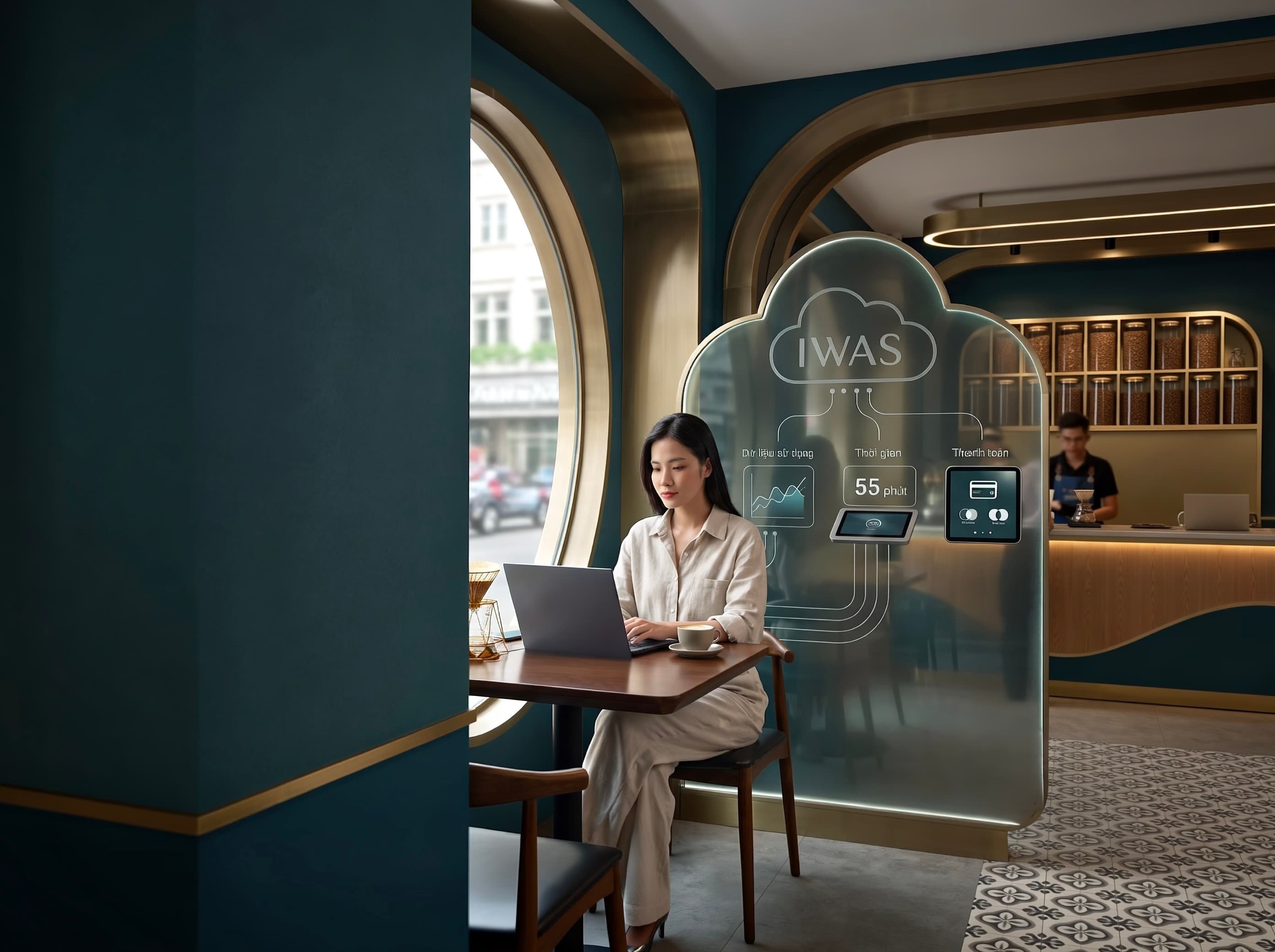
If your cafe offers free WiFi, sooner or later you will face a very practical question:
How long should customers get to use the WiFi, and what should happen when they want to keep using it?
You can configure limits directly on MikroTik. But if you want to manage several WiFi packages — free, hourly, speed-based, or data-based — having to edit each policy directly on the router quickly becomes inconvenient.
That is why IWAS puts Package (WiFi package) at the policy-management layer, while MikroTik acts as the infrastructure that enforces the connection.
This article explains how to think about and use IWAS to build WiFi packages for a cafe, and where MikroTik fits into the overall flow.
1. Don't start with MikroTik. Start with the WiFi package
When people talk about “limiting WiFi on MikroTik,” many immediately think about going into RouterOS and changing limit-uptime, session-timeout, speed limits, or data limits.
Those mechanisms are real and useful. But for a cafe owner, the question is usually simpler:
What WiFi policy should this customer get?
For example:
- Free WiFi for a limited period.
- Paid WiFi by the hour.
- A package with a download speed limit.
- A package with an upload limit.
- A package with a total data limit.
That is how you should look at a Package in IWAS: a package describes the WiFi access rights that the cafe wants to provide to customers.
MikroTik is still important, but it sits underneath the policy layer — it is the device that connects customers to the Internet and enforces the access rules for their sessions.
2. What can an IWAS Package manage?
Depending on how the cafe wants to operate, a Package can define several key limits.
Usage time
This is the simplest case.
For example:
Free WiFi → 60 minutes
or:
Paid WiFi → 1 hour
The customer gets access according to the duration defined by the Package. When the session ends, access is handled according to the flow configured by the system and the cafe.
Internet speed
Not every customer needs the same speed.
You can design different Packages, for example:
- A free package with a moderate speed.
- A paid package with a higher speed.
- A package for normal day-to-day usage.
The important point is that the cafe manages the package policy, rather than having to remember individual router settings.
Data usage
A Package can also be designed with a data limit.
For example, instead of simply saying “60 minutes,” the policy could be:
60 minutes or until the package reaches its data limit.
This can be useful when the cafe wants to control network usage rather than relying only on time.
3. How does a Package move through IWAS?
You can think of the flow like this:
Cafe owner
   ↓
Create a Package in IWAS
   ↓
Customer chooses a package
   ↓
IWAS manages access rights
   ↓
Payment if it is a paid package
   ↓
IWAS grants rights to the WiFi session
   ↓
MikroTik enforces the connection policy
   ↓
Customer accesses the Internet
The key point is:
The cafe does not have to treat MikroTik as the place where the entire WiFi product is managed.
MikroTik is the network infrastructure.
IWAS is the layer that manages WiFi packages and sessions.
This separation becomes especially useful when a cafe has multiple Packages or wants to change its policies without turning every change into a manual router configuration task.
4. Create WiFi Packages around how the cafe actually operates
You do not need to create many packages from the beginning.
A cafe can start very simply:
Package 1: Free WiFi
The goal is to let customers try the WiFi first.
For example:
- Price: 0
- Duration: a free period defined by the cafe
- Speed: suitable for basic usage
- Data limit: according to the cafe's policy
Package 2: WiFi by the hour
If a customer wants to continue after the free period ends, the cafe can offer a paid Package.
For example:
- Price: set by the cafe
- Duration: 60 minutes
- Speed: according to the package policy
In IWAS, a Package currently has fields for price, duration, download limit, upload limit, and data limit. Instead of creating a separate router configuration for every case, you can treat each Package as a clearly named WiFi policy with a specific purpose.
5. A practical flow: free first, pay for more when needed
This is the flow that fits the problem we discussed in the previous article:
Free WiFi → time expires → customer wants to continue → buys more time → continues using WiFi.
For example:
A customer enters the cafe and chooses the free WiFi package.
When the package expires, the customer has two choices:
- No longer needs WiFi → end the session.
- Wants to continue → choose a paid Package.
If the paid Package uses VietQR/PayOS, the flow can look like this:
Free WiFi
      ↓
Time expires
      ↓
Customer chooses an additional package
      ↓
Pay via VietQR
      ↓
IWAS confirms the payment
      ↓
Access is granted according to the Package
      ↓
Customer continues using WiFi
The important part is not just “MikroTik limits the session to 60 minutes.”
The value of the system is that the Package, payment, and WiFi session are connected into one flow.
If you want to deploy this flow from scratch, see Install Captive Portal + PayOS on MikroTik Cafe in 15 Minutes.
6. So what role does MikroTik play?
MikroTik is still an important part of the system.
It is the device located at the cafe that handles WiFi connectivity and enforces network access policies.
RouterOS HotSpot provides mechanisms for managing session time, speed limits, and data limits. These are the technical foundations that allow WiFi policies to be enforced at the network layer.
But if you have multiple Packages, multiple routers, or want to manage WiFi through a consistent workflow, configuring everything directly on each router is not the only way to operate.
That is where IWAS sits above the network layer:
IWAS manages policies and sessions → MikroTik enforces the connection.
If you are not familiar with Captive Portal/HotSpot yet, you can first read What Is a MikroTik Captive Portal? How It Works and Basic Configuration.
7. Not every cafe needs to sell WiFi
This is an important point.
Using IWAS Packages does not mean that you have to charge customers for WiFi.
You can use Packages simply to manage access policies.
For example:
Free WiFi → time limit → session ends
or:
Free WiFi → time limit → buy more if needed
Whether to offer paid extensions is an operational decision for the cafe.
The Package simply turns that policy into a clear configuration that the system can manage.
8. How many Packages should you start with?
You do not need many.
A simple structure could be:
| Package | Purpose | Price | Duration |
|---|---|---|---|
| Free WiFi | Let customers try the service | 0 | According to cafe policy |
| WiFi 1 Hour | Additional usage when needed | According to cafe policy | 60 minutes |
| Faster Package | For customers who need higher speed | According to cafe policy | According to need |
This is only an example of how to organize Packages, not a fixed IWAS price list.
The current IWAS system also includes sample Packages such as Wifi Miễn Phí and WiFi 1 giờ. Actual Package values can vary by organization and by how each cafe operates.
9. When should you use time, speed, or data limits?
You can choose based on the problem the cafe wants to solve:
| Problem | Possible policy |
|---|---|
| Customers use WiFi for too long | Time limit |
| You want free WiFi without allowing it to consume too many network resources | Speed limit |
| You want to control data usage | Data limit |
| You want to sell additional time | Time-based Package |
| You want to combine multiple conditions | Design a Package that fits the policy |
You do not need to apply all of them.
If your cafe is just getting started, a time limit is often the easiest WiFi policy to understand and test.
10. Checklist before putting a Package into use
Before applying a Package to real customers, check:
- Is the Package price and duration correct?
- Is the free package actually free?
- Is the speed limit consistent with the intended policy?
- Is the data limit being applied correctly?
- Does the session end correctly when the time expires?
- If a customer buys more time, is access granted to the correct session?
- Does a successful payment update the session state?
- Can the customer reconnect according to the Package they purchased?
Do not test only from the admin dashboard.
Try it like a real customer: connect to the WiFi, use up the package, buy more if available, and then check the connection again.
11. If you are using MikroTik, where should you start?
If you already have a MikroTik at the cafe and want to deploy a Captive Portal, the workflow can start from IWAS:
- Create the router in IWAS.
- Get the ZTP command provided by IWAS.
- Run the command in the MikroTik Terminal.
- Wait for the router to connect and appear Online.
- Create WiFi Packages according to the cafe's policy.
- Check the Captive Portal.
- Test each Package with a real WiFi session.
You do not have to start by building a separate HotSpot configuration manually and then figuring out how to connect it to the rest of the system.
The detailed deployment guide is Install Captive Portal + PayOS on MikroTik Cafe in 15 Minutes.
IWAS is guest WiFi management software for cafes: guests get online through a login page (captive portal), the cafe sets its own plans by time, speed and data, and guests can buy more time with VietQR through the cafe's own PayOS account. IWAS works with MikroTik (RouterOS v7 or newer), OpenWrt and UniFi routers. Learn more about IWAS.
FAQ
Can you limit WiFi time on MikroTik?
Yes. MikroTik HotSpot provides mechanisms for managing session time. In the IWAS model, the usage policy is managed through Packages and enforced at the appropriate network layer.
What WiFi limits can IWAS manage?
IWAS Packages currently have fields for price, duration, download limit, upload limit, and total data limit.
Can I offer free WiFi and paid WiFi at the same time?
Yes. You can design multiple Packages for different purposes, such as a free package and a paid hourly package.
Do I have to sell WiFi in order to use Packages?
No. Packages can be used to define free access policies. Whether you charge for WiFi depends on how the cafe operates.
Can customers buy more WiFi after the free period ends?
Yes. The flow can be designed so customers use free WiFi first and then choose a paid Package if they want to continue.
Conclusion
If you only look at the question “How do I limit WiFi on MikroTik?”, it is easy to jump straight into RouterOS configuration.
But for a cafe, the real problem is usually bigger than a few configuration lines:
Which package does the customer get? How long can they use it? What speed? How much data? What happens when it expires? And if they buy more time, how does the system grant access?
That is why it helps to think about WiFi in terms of Packages and sessions, rather than looking only at the router.
In this model:
IWAS manages Packages and the WiFi flow. MikroTik provides the infrastructure that enforces the connection.
If you want to go from a MikroTik device to a complete WiFi flow, continue with Install Captive Portal + PayOS on MikroTik Cafe in 15 Minutes.